Create or Upload a Character Sheet
Upload a portrait or generate a multi-angle character turnaround sheet on Canvas using GPT Image 2.5 or Nano Banana 2.

Generate multi-angle character turnaround sheets and keep faces, voices, and outfits connected across scenes in Agentic Canvas and Studio.
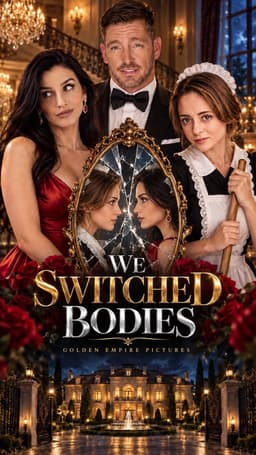
Explore a Plot Party microdrama and watch its published episodes.
Upload a portrait or generate a multi-angle character turnaround sheet on Canvas using GPT Image 2.5 or Nano Banana 2.
Organize your character, wardrobe, scene, and audio references. Choose a video model and its supported reference controls.
Develop wide shots, close-ups, and actor swaps from a shared reference set, then review identity and costume continuity across cuts.
Give every shot a shared visual reference, from the first character sheet to the final close-up.
Rebuild the cast for every shot. Review faces and wardrobe for drift.
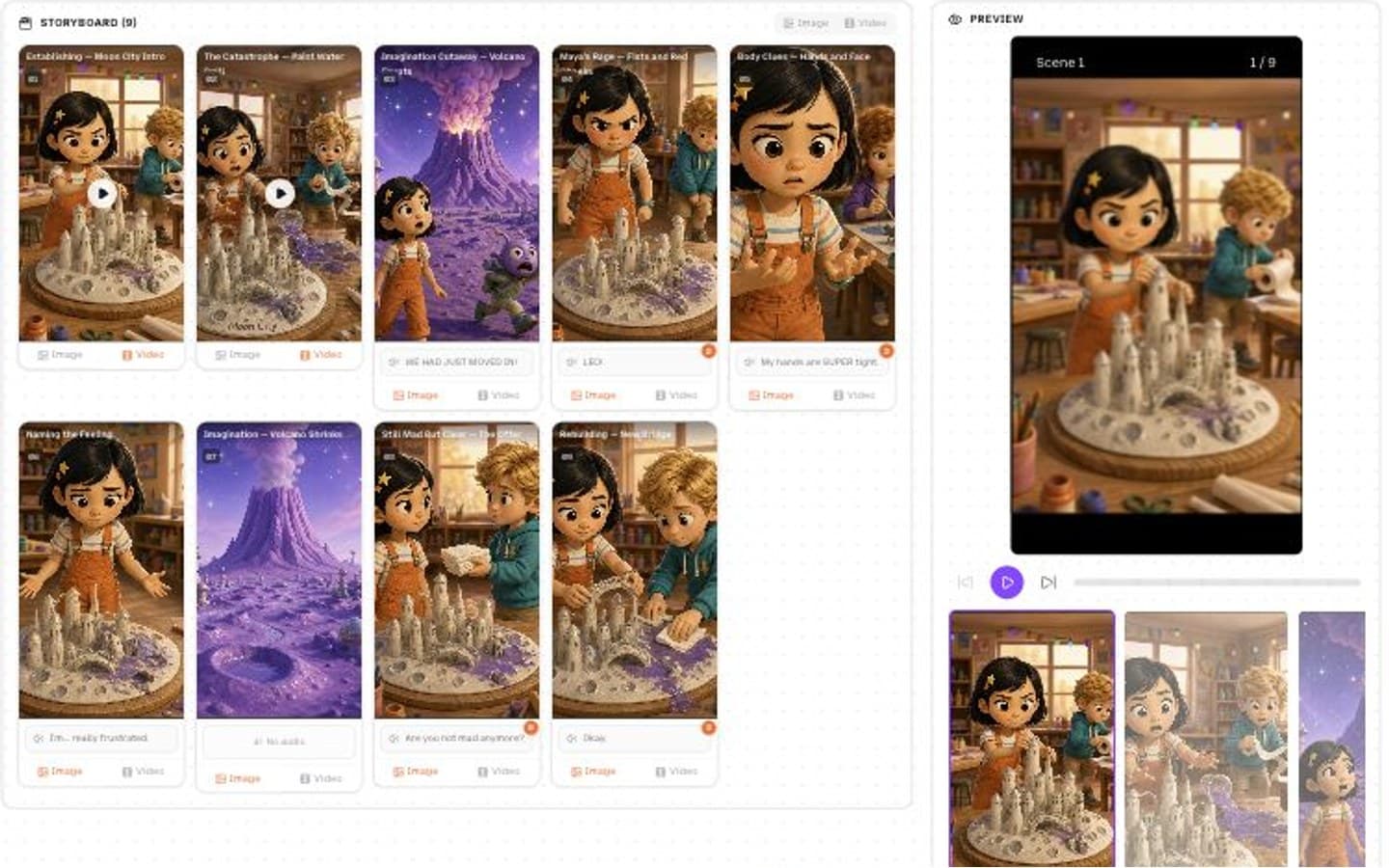
One reusable cast. Shared references across your storyboard and scenes.
| Feature | Single-prompt AI | Plot Party workspace |
|---|---|---|
| Turnaround sheets | One isolated reference image | Generate a reusable multi-angle character sheet |
| Multiple references | One image carries every detail | Bind character, scene, and motion references supported by your model |
| Retention controls | Repeat identity details in prompts | Use model-specific subject preservation controls |
| Voice continuity | Choose dialogue audio independently | Keep voice references with your cast assets |
| Video recast | Regenerate the entire scene | Use Video Recast to swap a person or background |
| Facial restoration | Upscale in a separate workflow | Finish selected clips with SeedVR 2 restoration and upscaling |
Start with a multi-angle character sheet in Canvas or Studio. Reuse it as a reference across your shots, and review the results for facial and wardrobe continuity.
Choose the Video Recast Skill and provide a driving video plus your target character or background reference. Follow the Skill workflow to guide the replacement.
Use GPT Image 2.5 or Nano Banana 2 for character sheets, then select a reference-capable video model such as Seedance 2.5 or MiniMax H3. Reference limits and preservation controls vary by model.
You can use SeedVR 2 to restore and upscale generated clips. Review the result before including it in your final film.
Canvas suits freeform reference exploration and shot variations. Studio keeps scripts, character sheets, and generated shots in a structured project file tree.
Yes. Attach reference images in the composer or choose existing assets. Studio also accepts source files that are uploaded into your new project.
Plan and create freely with your AI copilot.