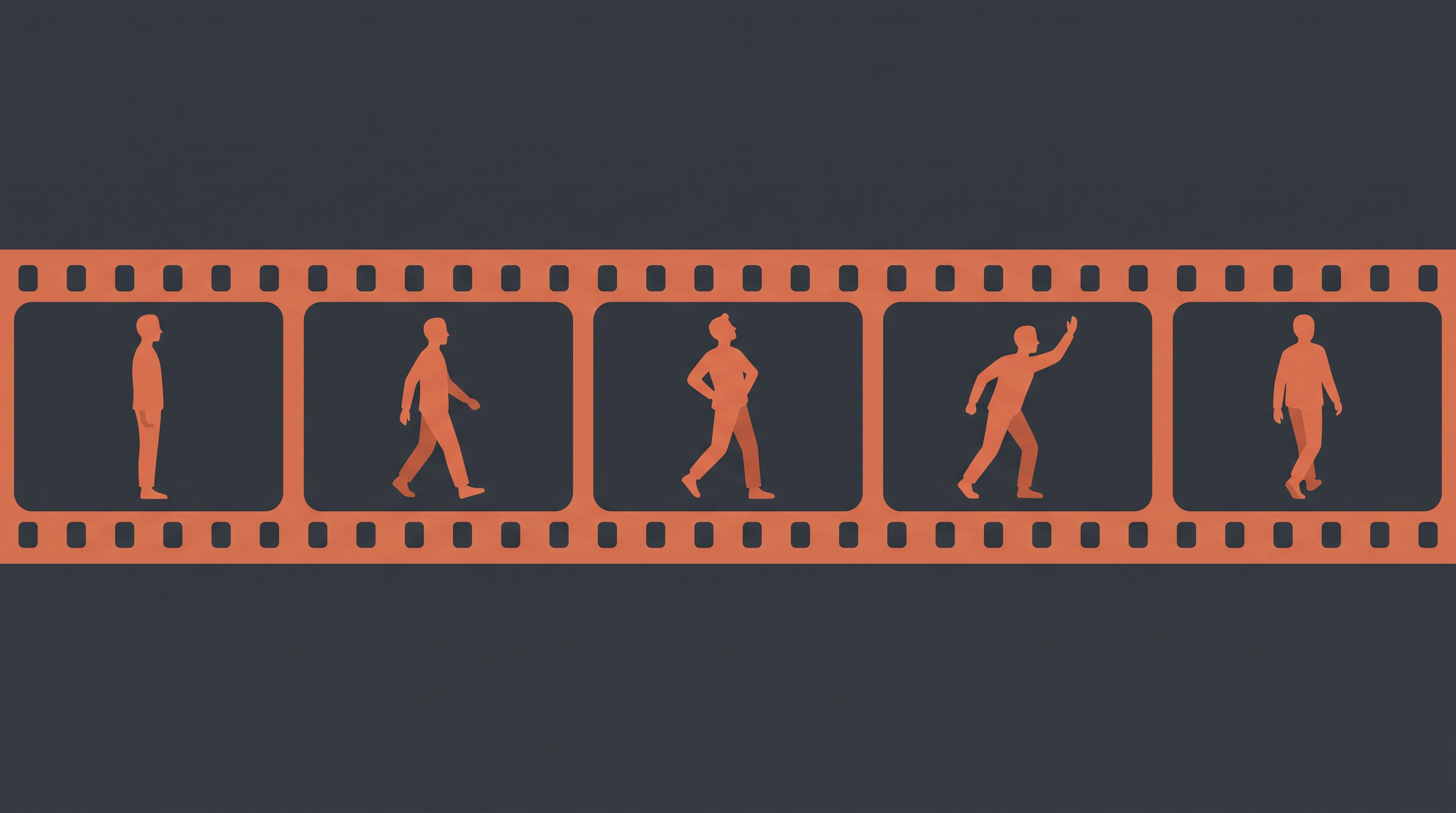
Why Character Consistency Became the Real AI Video Problem
In 2026, making one beautiful AI shot is no longer the hard part.
The hard part is making the same person survive scene two, scene five, and episode three.
For creators, character consistency means more than a similar face. A useful AI character workflow should preserve:
- Facial structure
- Age, hairstyle, and wardrobe
- Body type and silhouette
- Performance style
- Voice or dialogue tone, when audio is involved
- Relationships between characters
- Continuity across shots, scenes, and episodes
That is why the best AI character consistency tool depends on what you are actually making. A solo portrait workflow, a social video, a product ad, and a serialized microdrama all need different kinds of control.
This guide compares the best tools for keeping AI characters consistent in 2026, with a creator-first focus on real production workflows.
Quick Comparison
| Tool | Best For | Consistency Method | Main Tradeoff |
|---|
| Plot Party | AI microdramas, serialized stories, character-led episodes | Story, character, scene, and storyboard workflow | Built for narrative production, not one-off image experiments |
| Runway Gen-4 | Cinematic multi-shot AI video | Reference-image-driven world and character consistency | Powerful, but still needs planning outside the model |
| Kling AI | Realistic motion, multi-scene video, action, dialogue | Multimodal references, motion control, and newer multi-shot workflows | Output quality depends heavily on prompt and reference clarity |
| Higgsfield | Trying multiple top video models in one workspace | Model access plus identity/reference tools depending on workflow | Great model layer; story structure still needs direction |
| Midjourney | Character design sheets and visual development | Character Reference and image-reference workflows | Strong for still images, weaker as a complete video pipeline |
| ComfyUI + LoRA | Advanced custom characters and repeatable image pipelines | Custom model training, LoRA, ControlNet, node workflows | Most control, highest technical burden |
| Adobe Firefly | Brand-safe commercial visual exploration | Reference images, image-to-video, Creative Cloud workflow | Best as a polished creative suite, not a deep character-bible system |
| Pika | Fast social clips and stylized video variations | Image/video prompting and lightweight video creation | Better for quick clips than long-form continuity |
1. Plot Party
Best for: AI microdramas, serialized characters, and story-first video production
Most AI tools treat character consistency as a generation feature. Plot Party treats it as a production workflow.
That difference matters. If you are making a microdrama, a short film, a trailer, or a recurring AI series, the character is not just a face. The character has a role in the story, relationships with other characters, scenes to play, dialogue to deliver, and emotional beats that need to remain coherent.
Plot Party is built around that larger unit of creation: a story, a series, and eventually a world. Creators can move from idea to characters, storyboards, scenes, dialogue, AI-generated visuals, and publishable episodes in one workflow.
That makes Plot Party especially strong when the question is not "can I make this person appear again?" but:
- Can I build a complete episode around this character?
- Can I keep the same character across multiple scenes?
- Can I revise one scene without losing the whole story?
- Can I build a series instead of a single clip?
- Can my character, environment, and drama logic stay connected?
Choose Plot Party if:
- You are making AI microdramas or serialized vertical video
- You need recurring characters across scenes and episodes
- You want a storyboard-first process instead of isolated prompts
- You care about story structure, character arcs, and audience retention
- You want to direct a character, not just generate a likeness
Watch out for:
If your only goal is a single hero image, a dedicated image tool may be faster. Plot Party becomes most useful when you care about continuity across a full story.
2. Runway Gen-4
Best for: Cinematic AI video with strong reference-image consistency
Runway Gen-4 is one of the most important character-consistency tools because it directly targets the classic AI video problem: the same subject changing across shots.
Runway describes Gen-4 as a model for generating consistent characters, objects, and locations across different lighting conditions, locations, and treatments from reference images. For creators, that means you can bring a character reference into a more cinematic video workflow and ask for a new shot without starting from scratch every time.
Choose Runway Gen-4 if:
- You want cinematic AI video output
- You have a strong character reference image
- You need multiple shots with the same person or object
- You are comfortable combining generation with external editing
- You care about production-grade visuals more than built-in story planning
Watch out for:
Runway can help preserve visual identity, but it does not replace a story system. For multi-scene drama, you still need to manage character bios, scene order, dialogue, shot lists, and revisions somewhere else.
For a deeper side-by-side, see Plot Party vs Runway.
3. Kling AI
Best for: Realistic motion, action, and multi-scene AI video
Kling AI has become a major name in AI video because it focuses heavily on motion quality, cinematic generation, and increasingly multimodal creative control. Kling's public product positioning emphasizes text, image, and reference-driven video creation, with newer Kling 3.0 messaging focused on deeper multimodal instruction parsing, long-form storyboard control, and consistency across complex multi-scene transitions.
For character consistency, Kling is useful when the character needs to move: walking, fighting, turning, reacting, speaking, or interacting with another subject.
Choose Kling AI if:
- You need realistic motion and action scenes
- You are generating character performance, not just portraits
- You want image-to-video or reference-driven video creation
- Your shots involve camera movement, gestures, or physical performance
- You are testing multi-shot or storyboard-style AI video workflows
Watch out for:
Kling can produce strong motion, but character drift is still possible if references are vague, wardrobe changes too much, or the prompt asks for a scene that contradicts the identity anchor.
4. Higgsfield
Best for: Creators who want access to multiple leading video models in one place
Higgsfield is useful because many creators do not want to bet on one AI video model. A character may work best in one model for close-ups, another for action, and another for stylized shots.
Higgsfield positions itself as an AI video and image creation suite with access to multiple top models and creator-focused tools. Its own educational content also focuses heavily on character consistency workflows, identity anchors, Soul ID-style approaches, and multi-model generation.
Choose Higgsfield if:
- You want to compare several video models quickly
- You need a model-access layer for cinematic experiments
- You are testing which generator handles your character best
- You want to combine identity/reference workflows with high-end video models
- You make social videos, fashion shots, trailers, or visual experiments
Watch out for:
Multi-model access is powerful, but it can also create workflow fragmentation. If every scene uses a different model, your production needs a clear character bible and storyboard to keep the final result coherent.
5. Midjourney
Best for: Character design, key art, and still-image consistency
Midjourney is not primarily a video production tool, but it remains one of the most useful places to design a character before animating them elsewhere.
Its Character Reference workflow helps creators reuse a character image to generate that character in new scenes, outfits, or compositions. This is useful for:
- Character sheets
- Mood boards
- Poster art
- Costume exploration
- Facial design
- Style development
- Reference images for video models
Choose Midjourney if:
- You need to design the character before producing video
- You want strong still-image aesthetics
- You need reference images for Runway, Kling, Plot Party, or another video tool
- You are building a visual bible for a story world
Watch out for:
Midjourney is excellent for visual development, but still-image consistency is not the same as video continuity. A character sheet is a great start; it is not a finished drama workflow.
For a deeper side-by-side, see Plot Party vs Midjourney.
6. ComfyUI + LoRA
Best for: Technical creators who want maximum control
If you want the most control over character consistency and are comfortable with technical workflows, ComfyUI plus LoRA training remains one of the strongest options.
ComfyUI is a node-based visual AI workflow system. Paired with LoRA training and tools such as ControlNet, IP-Adapter-style references, pose control, and face-detail workflows, it can create repeatable pipelines for a custom character.
This is the closest option to building your own character engine.
Choose ComfyUI + LoRA if:
- You have technical skills or a technical team
- You need repeatable results for a custom character
- You want to control model, sampler, seed, pose, face detail, and upscaling
- You need a reusable internal pipeline
- You are producing many assets around the same character
Watch out for:
The learning curve is real. You need to manage models, nodes, dependencies, training data, workflows, and hardware or cloud compute. For many creators, the extra control is not worth the setup time unless consistency is mission-critical.
7. Adobe Firefly
Best for: Commercially oriented creators already working inside Adobe tools
Adobe Firefly is useful when character consistency is part of a broader commercial creative workflow. Firefly supports image and video generation, reference-image workflows, and integration with Adobe's creative ecosystem.
For brand teams, agencies, and creators who already live in Photoshop, Premiere, Express, or Creative Cloud, Firefly can be a practical choice because it fits into a familiar review and editing environment.
Choose Adobe Firefly if:
- You need a polished commercial creative workflow
- You work inside Adobe apps
- You want image-to-video and reference-image generation
- You care about brand-safe creation and team review
- Your character work is part of ads, social campaigns, or design assets
Watch out for:
Firefly is not the first tool we would choose for a serialized character drama. It is stronger as a commercial creative suite than as a deep narrative continuity system.
8. Pika
Best for: Fast social video experiments and stylized character clips
Pika is a strong option when speed and experimentation matter more than complex production control. It is designed as an idea-to-video platform with quick video creation, visual effects, and creator-friendly workflows.
For character consistency, Pika is best used when you already have a good character image or concept and want to create short, stylized clips quickly.
Choose Pika if:
- You need fast social clips
- You are testing visual effects and short character moments
- You want a low-friction creative interface
- Your output is short-form and experimental
Watch out for:
Pika is not usually the first choice for a long serialized workflow. For multi-episode character continuity, pair it with stronger planning, reference, or story tools.
For a deeper side-by-side, see Plot Party vs Pika.
The Best Workflow for Consistent AI Characters
The best AI character consistency workflow is usually not one tool. It is a stack.
For a serious creator, the workflow often looks like this:
- Design the character in Midjourney, Firefly, Plot Party, or another image tool.
- Write a character bible with age, role, personality, wardrobe, face details, and emotional range.
- Build the story or storyboard in Plot Party or another production workspace.
- Generate scenes with Plot Party, Runway, Kling, Higgsfield, or a model-specific workflow.
- Review for drift after every scene: face, wardrobe, silhouette, voice, and behavior.
- Lock the winning references and reuse them across future scenes.
- Edit and publish only after the whole sequence feels like one character across one story.
For microdrama creators, step three is the one most people skip. They generate clips first and try to fix the story later. That is backward. If the character is supposed to carry a series, the production should start with story, not isolated generations.
If you are making an AI microdrama
Start with Plot Party. You need character consistency, but you also need scenes, storyboards, dialogue, emotional pacing, and episode structure.
If you need the best cinematic reference-video output
Try Runway Gen-4 and Kling AI. They are strong choices for video generation when you already know the shot you want.
If you want to test several models
Use Higgsfield as a model-access and experimentation layer.
If you are designing the character first
Use Midjourney or Adobe Firefly to create character sheets, poster looks, and visual references.
If you need maximum technical control
Use ComfyUI + LoRA. It is slower to set up, but it gives advanced creators the most direct control over identity and generation parameters.
If you need quick social content
Use Pika for fast experiments, memes, effects, and lightweight video variations.
Final Verdict
The best AI character consistency tool in 2026 depends on whether you are creating a character image, a video clip, or a story.
For single images, Midjourney and Firefly are strong. For cinematic video shots, Runway and Kling are strong. For technical control, ComfyUI and LoRA are hard to beat.
But for creators building AI microdramas, serialized stories, or repeatable character-led episodes, Plot Party is the strongest starting point because consistency is not only a model feature. It is a production problem.
A believable AI character needs a face, yes. But they also need scenes, choices, dialogue, continuity, and a reason for the audience to come back.
That is where story-first tools win.
FAQ
For AI microdramas and serialized video, Plot Party is the best starting point because it combines character, story, scene, and storyboard workflow. For standalone cinematic clips, Runway Gen-4 and Kling AI are strong options. For technical pipelines, ComfyUI plus LoRA gives the most control.
How do I keep the same AI character across multiple videos?
Use a clear reference image, write a character bible, keep wardrobe and facial details stable, generate scenes from a storyboard, and review every clip for drift before moving on. For story projects, use a workflow like Plot Party so the character is tied to scenes and episode structure.
Is Midjourney good for consistent AI characters?
Yes, Midjourney is useful for character design and still-image consistency, especially when creating character references or key art. For video, you will usually need to bring those references into a video tool or story workflow.
Is LoRA better than reference images for consistency?
LoRA can be better when you need a custom character to appear many times across many assets, but it requires training data, setup, and technical skill. Reference images are faster and easier for most creators.
Why do AI characters drift between scenes?
Most generative models create each output as a new generation. Without strong references, character metadata, storyboard context, and review discipline, the model may reinterpret the same character differently in each scene.
Sources and Further Reading